

Device path
Choose the real headset and microphone, see connection state, and recover after they are plugged back in.
Technology and compatibility
The first target is a Windows 11 desktop. CRELAR supplies a processed listening path and microphone path. Calling, monitoring, and livestream apps keep doing their own work.
This is not a music widener or a bass booster. It is for voices in calls, monitoring, talkback, and spoken streams.
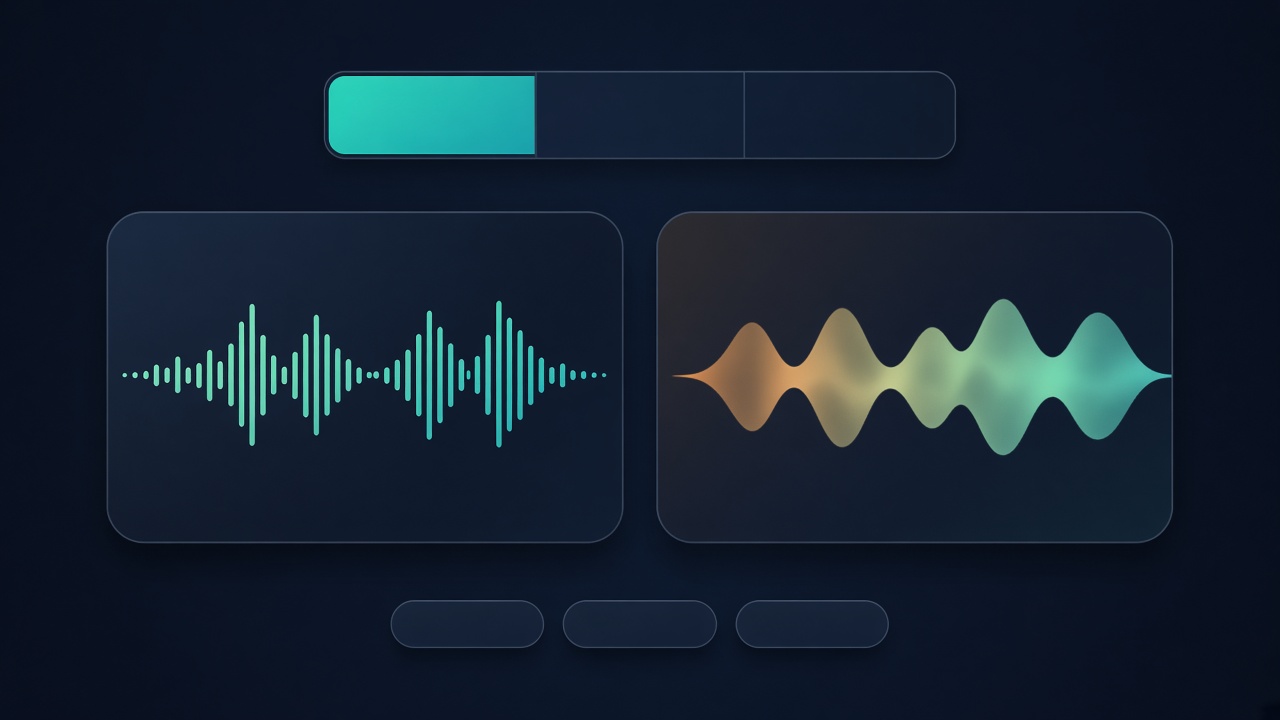
Shared base
They do not share default settings or acceptance tests. Contact centers, monitoring, and livestreams are validated separately.
Choose the real headset and microphone, see connection state, and recover after they are plugged back in.
Enhancement runs in audio processing on the user’s computer. Format conversion and bandwidth extension are different things.
Closing the window is not the same as stopping audio processing. A fault needs a fallback, and mute has to stay mute.
Where the scenarios differ
| Capability | Contact centers | CCTV | Livestreams |
|---|---|---|---|
| Listening enhancement | Validate at launch | Validate at launch | Optional for call-ins |
| Microphone enhancement | Validate at launch | When talkback is used | Validate at launch |
| Original versus enhanced | Used in the pilot | Kept in playback | In the product, not on this site |
| Central configuration | Needed for deployment | As a project requires | Not a default screen |
| Many channels and integration | Platform integration later | Multi-channel later | Not needed at first |
Compatibility and data