

First
Contact centers
Hear the customer. Answer clearly. Fewer “say that again” moments.
View the contact-center briefCRELAR Voice
AI speech enhancement for contact centers, CCTV monitoring, and livestream speaking. Clearer phone conversations, more intelligible on-site dialogue, and a natural speaking voice for viewers.
In preparation. Scenario assessments are open. This site does not record audio and does not offer a download.
Three tasks
One speech-enhancement direction, three different jobs. The order guides what gets validated first.
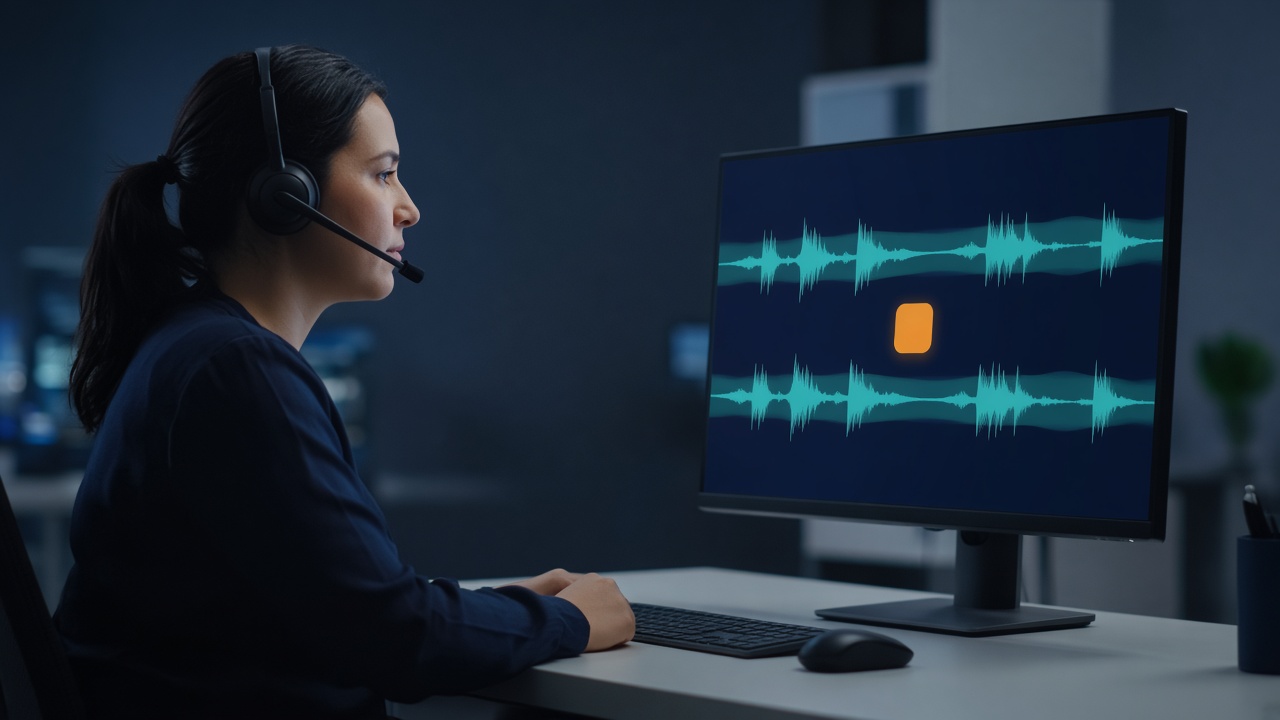
First
Hear the customer. Answer clearly. Fewer “say that again” moments.
View the contact-center brief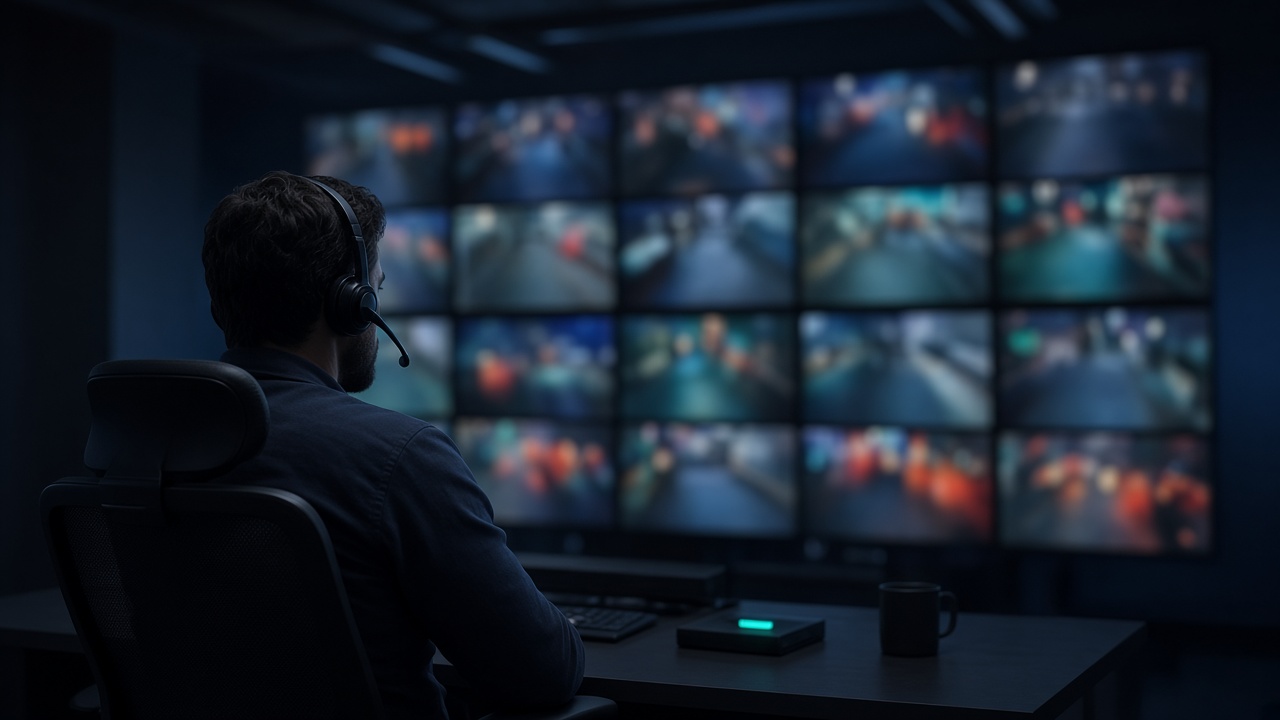
Second
See the scene, and hear it clearly. Make on-site conversation easier to follow.
View the CCTV brief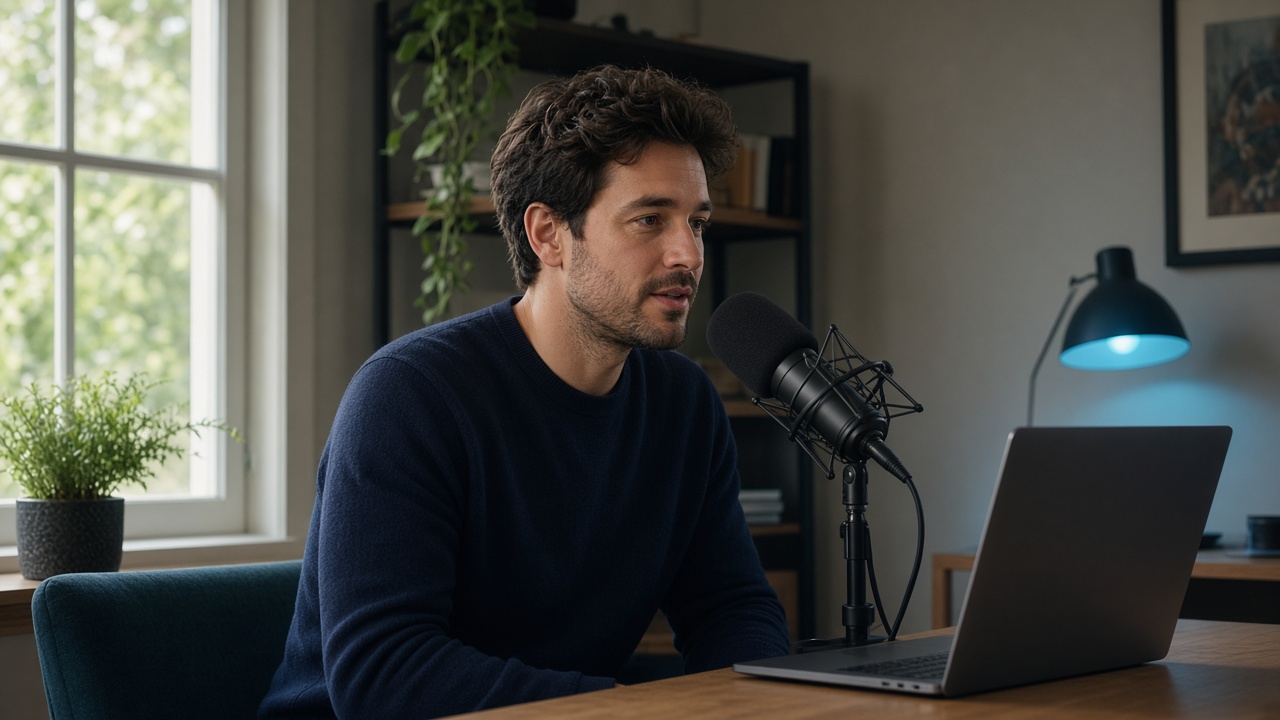
Individual
Let viewers hear every sentence. Keep your voice, with less background distraction.
View livestream setupHearing and speaking
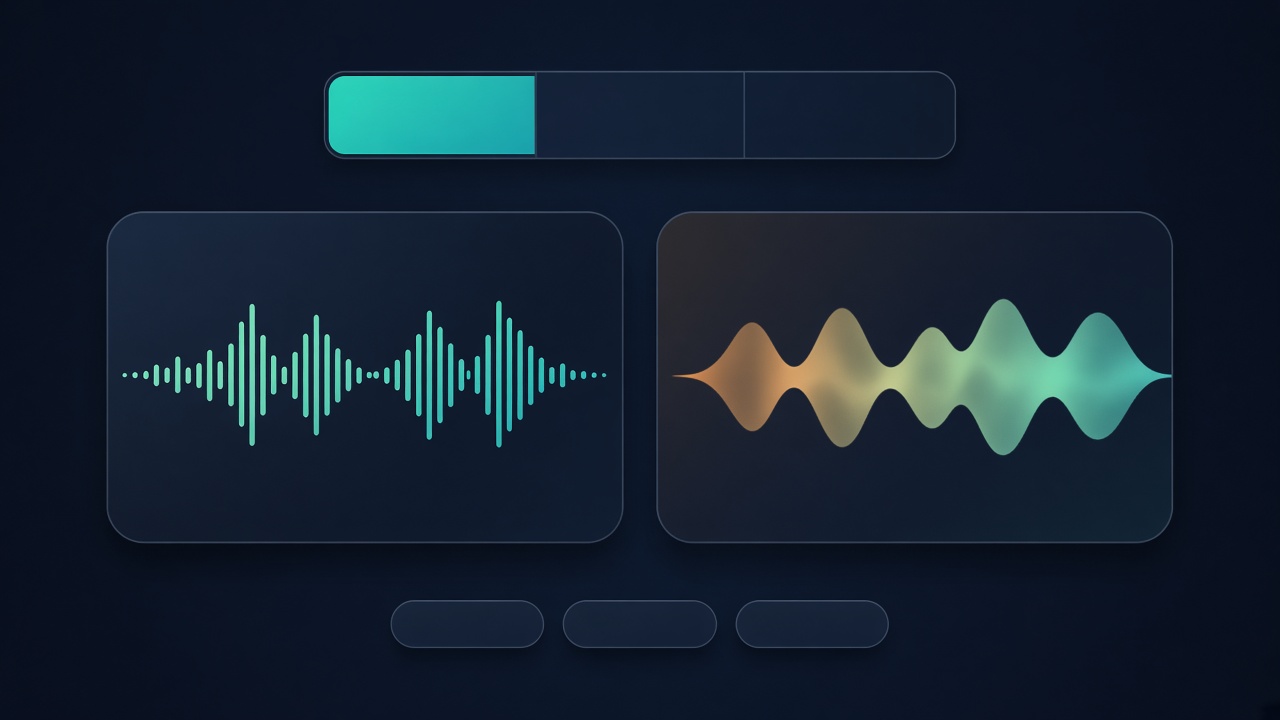
A caller, a monitored scene, and the microphone of an agent, operator, or host are not run through one shared setting. The phone, monitoring, or livestream app keeps its own job.
Processes the voice you are hearing, such as a caller or a live monitoring feed.
Processes the voice you send, then hands it to the software you already use.
Pilots and the later product keep an original-versus-enhanced comparison. This website is not that listening test.
Fit the current workflow
The first desktop target is Windows. Confirm that the target app can choose playback and recording devices, then assess real samples.
Name the headset and microphone actually in use, and check that the state recovers after they are unplugged.
Listening and microphone enhancement each have their own switch, so every sound is not forced through one treatment.
The calling, monitoring, or livestream app stays in place. CRELAR supplies the processed listening path and microphone path.
Limits we will state
None of the following is a product promise.